
IN PARTNERSHIP WITH YOUR FINANCIAL INSTITUTION

Everything you need to get paid, directly in your online and mobile banking

Accept payments from customers directly into your existing account — by card, ACH, or digital wallet.

No matter how you get paid today, Autobooks has a tool that works for your business

icon-text-payment-link-line-teal
Send a link. Get paid.

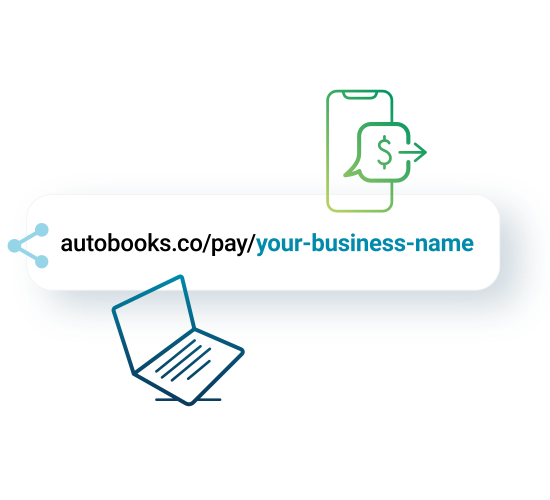
Share a Payment Link by text, email, or social media — or take payment details over the phone. Your customer pays by card, ACH, or Apple Pay.

icon-invoice-line-teal
Bill for your work

Send a professional invoice your customer can pay online by card, bank transfer, or Apple Pay. You'll know when it's viewed, and when it's paid.

icon-bank-deposit-line-teal
Collect payment on the spot

Present your iPhone or show a QR code — your customer taps their card, digital wallet, or scans and pays in seconds. No card reader or extra equipment required.

icon-digital-payment-line-teal
Sell online in minutes

Create a Checkout Page for your products, services, or packages and share the link anywhere — no e-commerce setup required. Include images and quantity limits to show what you're selling and manage inventory.


Payment tools that fit your business

payment-link-green_graphic copy

Payment Link


The most flexible way to get paid when you don't need to send an invoice. Share a secure link by text, email, or social media and your customer can pay from their mobile device or desktop in seconds. You can also display or print a QR code for in-person payments, or key in a card number directly when a customer pays over the phone.

Customers pay by: Card, ACH, or Apple Pay
invoice-green_ILL

Invoicing


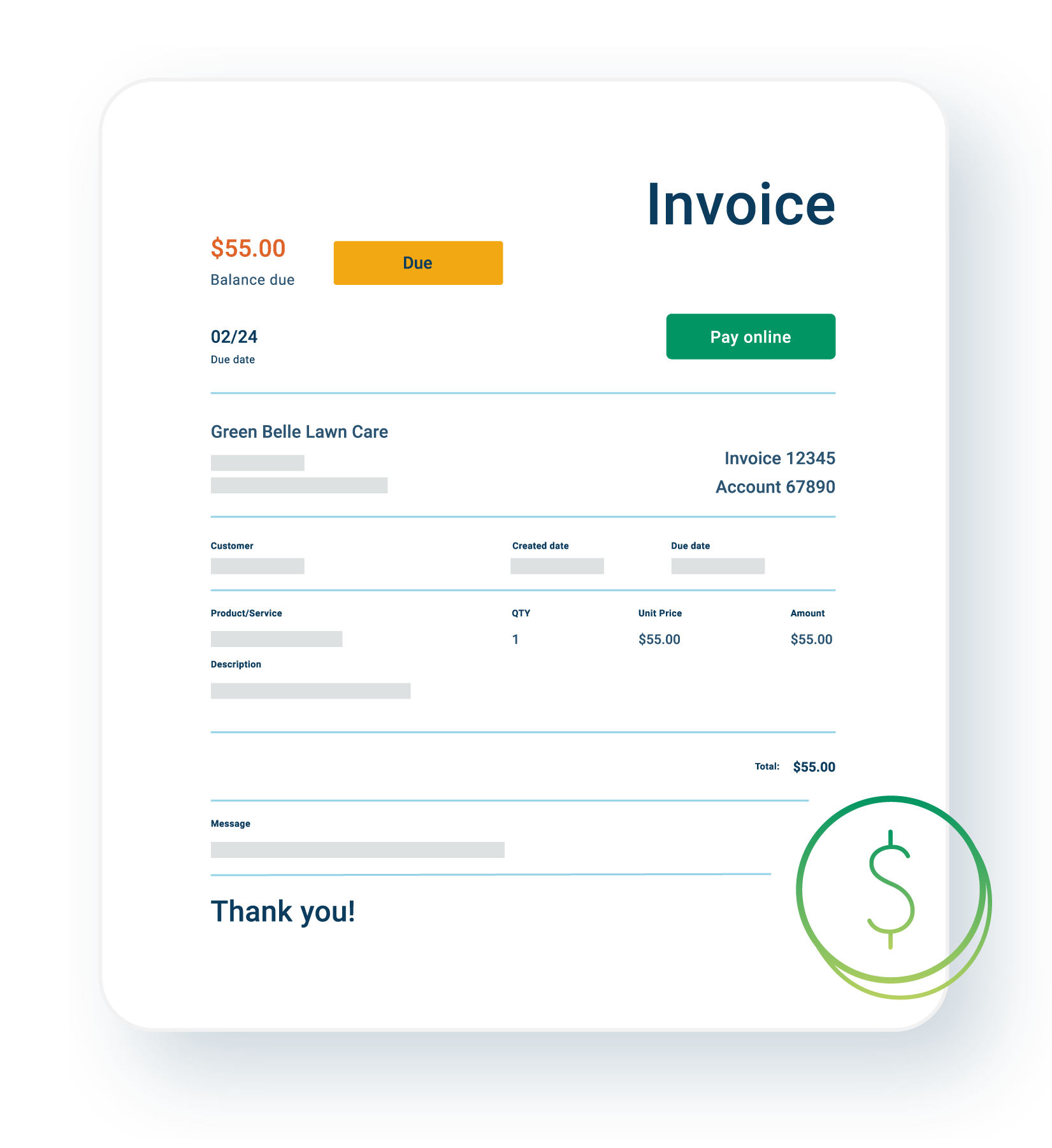
Send professional invoices directly from your online or mobile banking, and get notified the moment your customer submits payment. Attach the documents your customers need to pay, and set up automatic reminders so you don't have to follow up manually. Use flexible recurring schedules to handle repeat billing, or send hundreds of invoices in one click with bulk invoicing.*

Customers pay by: Card, ACH, or Apple Pay

*Bulk invoicing is available at select financial institutions. If you don't see bulk invoicing available, contact your financial institution for availability.
Tap to Pay lifestyle

Tap to Pay on iPhone


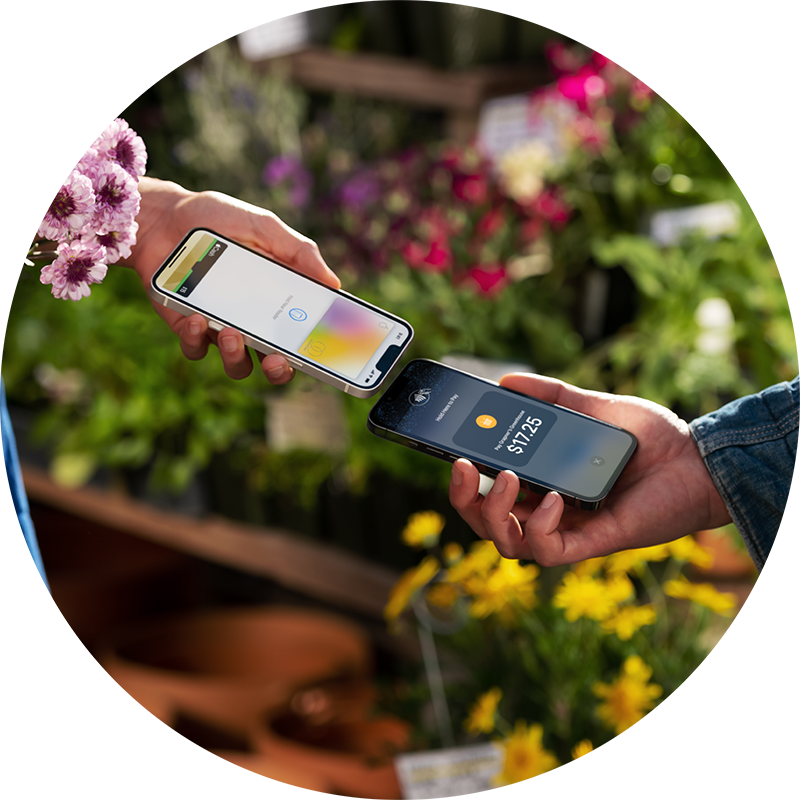
Accept contactless payments from cards and digital wallets directly on your iPhone — no card reader or extra hardware needed. Just open the app, enter the amount, and let your customer tap and go.

Customers pay by: Card, Apple Pay, or Digital Wallet

Available at select financial institutions. If you do not see Tap to Pay on iPhone, please contact your financial institution for availability.

Tap to Pay on iPhone requires a supported payment app and the latest version of iOS. Update to the latest version by going to Settings > General > Software update. Tap Download and Install. Some contactless cards may not be accepted by your payment app. Transaction limits may apply. The contactless Symbol is a trademark owned by and used with permission of EMVCo, LLC. Tap to Pay on iPhone is not available in all markets. For Tap to Pay on iPhone countries and regions, see: https://developer.apple.com/tap-to-pay/regions/.
checkout-pages-builder_ILL

Checkout Pages


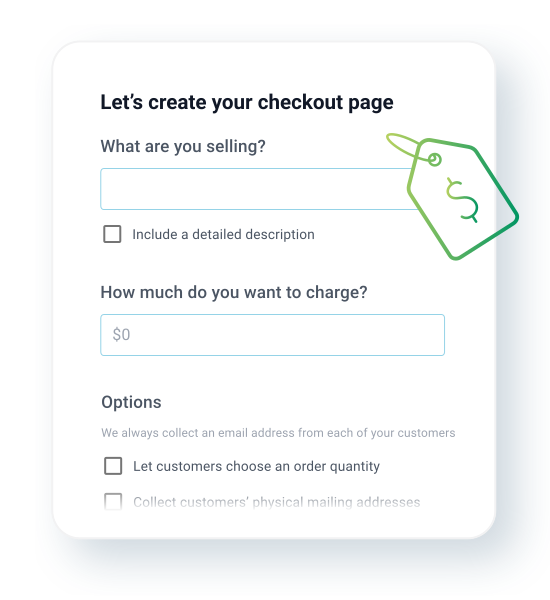
Create a page for your products, service, packages, or events in minutes and share the link anywhere — no website or e-commerce integration required. Show off your work with product images and set quantity limits so you don't oversell. 

Customers pay by: Card or Apple Pay

Common questions


How does the integration between Autobooks and my financial institution work?

Autobooks is built to be part of your everyday digital banking experience. That means that when you log into your account, the payment acceptance features powered by Autobooks will be available from the main dashboard or navigation, like bill pay and mobile deposit are today.

How can my customers pay me?

Your customers can pay by card, ACH bank transfer, Apple Pay or another digital wallet — depending on which tool you use. Each payment method is listed under the tool descriptions above.

How long does it take to receive a payment?

Payments typically land in your checking account in a couple business days. However, weekends, holidays and other factors may impact settlement times.

Learn more about Payment Processing

Have questions or need some help?

Visit our support center for complete breakdowns of Autobooks features, or contact our support team.